 Tabtrax
Households
Mark contacts who can see expenses without taking a share. The mark is backed up with the phrase and does not change balances.
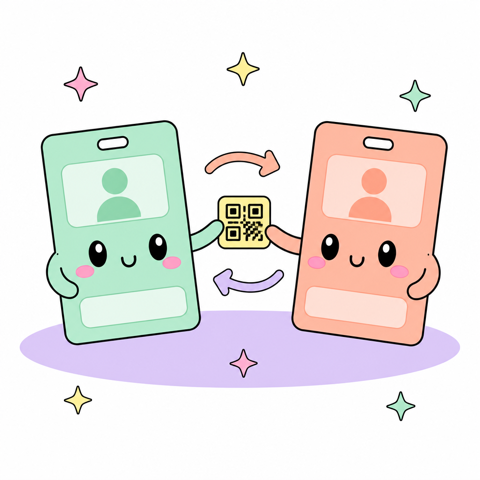
A household contact can watch expenses without holding a share. Watching does not create or change pairwise balances. Incoming records can also be visible to household observers; income is never split. The household mark is stored on your encrypted backup, so a phrase restore brings it back. It becomes mutual only if they mark you too. The server cannot read the mark.
- Open Settings → Household. Check accepted contacts to include them. Uncheck to stop future observer entries and echoes; snapshots already sent stay on their device.
- Tap the gear next to a checkmark for Link to new expenses by default. Linked members start on when you add an expense’s Also visible to observers.
- When a contact shares household activity with you and they are not yet in your household, a one-time sheet offers Add to household or Not now. Not now never re-prompts for that contact; you can still add them later in Settings.
- On an expense you create, use Also visible to so household members watch without a share. On a foreign expense where you hold a share, Share with household… echoes it to chosen members.
- On Home, use Household excluded / Household included to hide or show observer rows and accepted echoes. Those rows show an eye pictogram and never affect Mine totals or Settlements.
When you share an expense with an observer, that observer is inside the encrypted expense the recipients can open. Exports omit household flags. Notifications name the kind of activity, not the amount, name, note, or category. The server cannot read any of it.
