 Tabtrax
Add a contact
Share an invite so someone can ask to connect. There is no directory and no contact card.
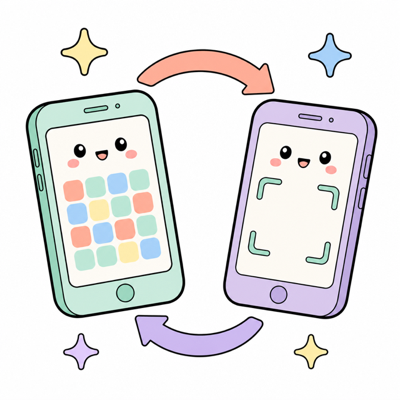
One person shares an invite. The other opens it and sends a request. Expenses can be written only after you are connected. There is no directory. Anyone holding the invite can ask to connect. They cannot write expenses until you accept.
- Open Add contact. Choose Share my invite, Scan their invite, or Paste their link.
- If you are opening their invite, enter Their name on this phone, compare the safety number, and tap Send request. Their phone shows the request for them to accept.
- If they opened yours, open Requests. Enter their name, compare the safety number, and tap Accept. Decline blocks them. Closing the sheet leaves the request waiting.
- If each of you opens the other’s invite, you connect without a separate accept.
- After you are connected, compare the six groups on a channel that is not Tabtrax, then mark verified. Unverified contacts can still receive expenses.
The name you type is stored with the contact on your encrypted backup. The server cannot read it. There is no control that retires an old invite. Block is permanent: you stop receiving from them and cannot add them to new records. Saved records stay.
